
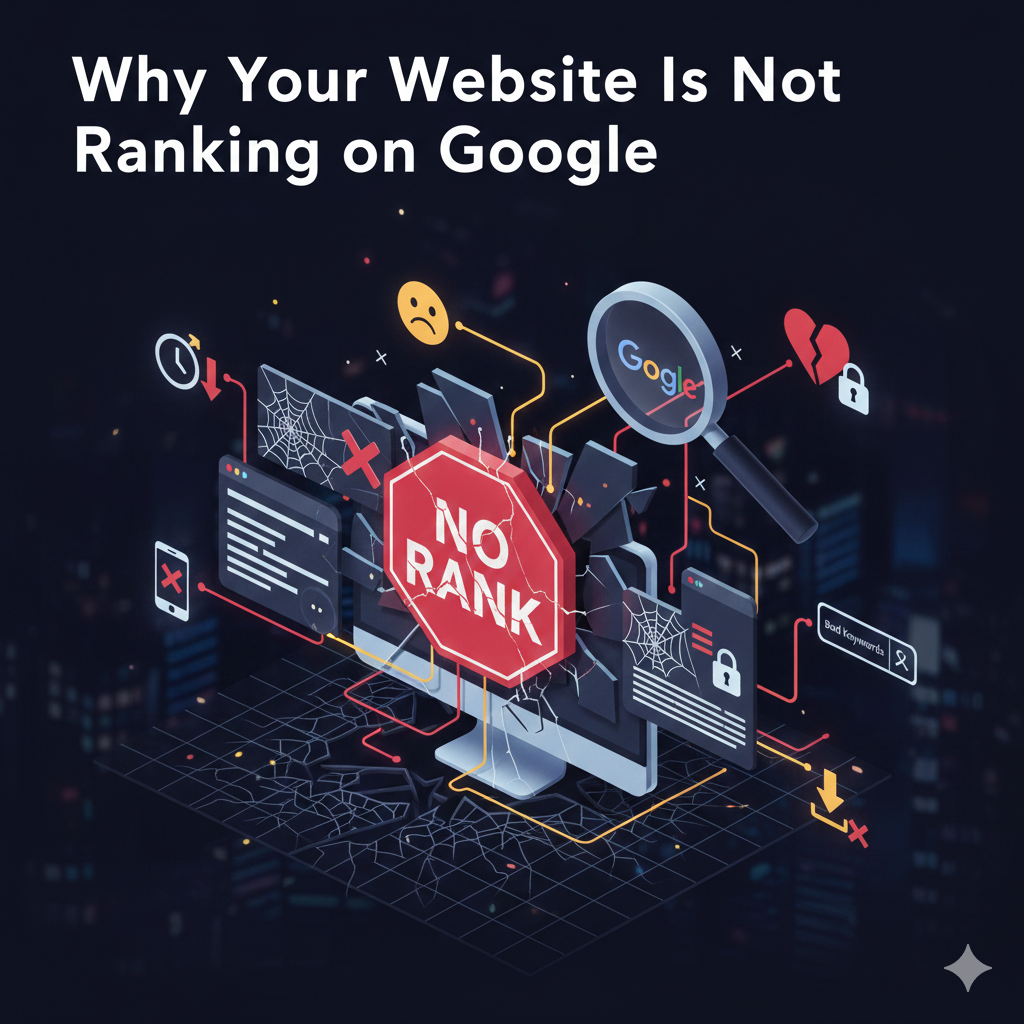
Introduction: Why SEO Mistakes Kill Rankings
If your website isn’t showing up on Google, it’s likely due to avoidable SEO mistakes. Even with great content, small errors in keywords, technical setup, or user experience can prevent your pages from ranking. Understanding these pitfalls is the first step to boosting visibility, increasing traffic, and staying ahead of competitors.
In this article, we’ll cover the most common SEO mistakes that hurt rankings and show practical fixes to improve your website performance.
Keyword Mistakes That Hurt Your SEO
Using Irrelevant Keywords
Targeting keywords that don’t align with your content or audience can confuse search engines. For example, writing about “digital marketing strategies” but using generic terms like “business tips” will reduce relevance.
Fix: Perform proper keyword research using tools like Ahrefs or SEMrush, and focus on keywords with intent aligned to your audience.
Ignoring Search Intent
Search intent is the reason behind a user’s query. If you don’t address it—whether informational, transactional, or navigational—Google may rank your competitor’s content instead.
Fix: Map keywords to intent. Informational content should educate, while transactional content should drive conversions.
On-Page SEO Errors
Missing or Duplicate Meta Tags
Meta titles and descriptions tell Google what your page is about. Missing or duplicated tags can confuse search engines and reduce CTR.
Fix: Write unique meta titles (50–60 characters) and meta descriptions (150–160 characters) for every page.
Poor Heading Structure
Headings (H1, H2, H3) guide both users and search engines. Skipping H2s or misusing H1s can hurt your page’s SEO.
Fix: Use one H1 per page and organize content with H2/H3s logically.
Content-Related SEO Issues
Thin or Low-Quality Content
Google favors content that provides value. Pages with minimal information or copied content struggle to rank.
Fix: Create comprehensive, original, and actionable content. Include images, infographics, or videos to enrich the user experience.
Outdated Content
Even high-quality content loses relevance over time. Outdated statistics or broken links can reduce credibility.
Fix: Regularly audit content and update it with fresh information and resources.
Technical SEO Mistakes
Slow Page Speed
Websites that load slowly frustrate users and get penalized by Google. Every second matters.
Fix: Compress images, enable caching, use a fast hosting service, and leverage tools like Google PageSpeed Insights to identify issues.
Mobile Optimization Failures
With Google’s mobile-first indexing, non-mobile-friendly sites rank lower.
Fix: Use responsive design, optimize images, and test mobile usability with Google’s Mobile-Friendly Test tool.
Backlink & Authority Problems
No Backlinks
Backlinks signal authority. Without them, Google may see your site as low-value.
Fix: Build high-quality backlinks from relevant websites through guest posts, partnerships, or content promotion.
Toxic or Spammy Links
Low-quality or spammy backlinks can harm rankings and even trigger penalties.
Fix: Regularly audit your backlink profile using tools like Ahrefs or Moz and disavow harmful links.
UX & User Behavior Mistakes
High Bounce Rate
If users leave your site quickly, Google may interpret your page as irrelevant.
Fix: Improve content readability, add visuals, and ensure the page answers user questions.
Poor Site Navigation
Confusing menus or broken links frustrate visitors and prevent crawlers from indexing your pages properly.
Fix: Create clear menus, interlink pages strategically, and fix broken links regularly.
Google Penalties You Might Be Ignoring
Manual or algorithmic penalties can drastically reduce rankings. Common causes include keyword stuffing, duplicate content, and spammy link building.
Fix: Review Google’s Webmaster Guidelines, conduct a site audit, and resolve issues promptly.
How to Fix These SEO Mistakes
Step-by-Step SEO Audit
- Check website speed and mobile responsiveness.
- Review meta tags, headings, and keyword placement.
- Analyze content quality and update outdated posts.
- Audit backlinks for quality and relevance.
- Monitor user behavior metrics like bounce rate and session duration.
Content, Technical, and Link Optimization
- Optimize images, headings, and meta data.
- Fix technical issues (broken links, 404 errors, slow load times).
- Build high-authority backlinks.
- Ensure content matches search intent and is easy to read.
Conclusion: Prevent SEO Mistakes to Rank Higher
Avoiding common SEO mistakes is crucial for ranking on Google. By focusing on keywords, content quality, technical setup, backlinks, and user experience, you can improve visibility and drive organic traffic. Regular audits, updates, and optimization are key to long-term SEO success.
Frequently Asked Questions (FAQ)
Use tools like Google Search Console, Ahrefs, or SEMrush to audit pages and identify errors.
Yes, for low-competition keywords, but backlinks improve authority and accelerate ranking.
Every 3–6 months or when new data becomes available.
It may take weeks; Google needs to recrawl your site, but technical fixes are essential for long-term growth.
Yes, they confuse Google and reduce click-through rates. Each page should have unique meta tags.
Thin content that lacks depth and value. Focus on comprehensive, actionable content.