
Introduction
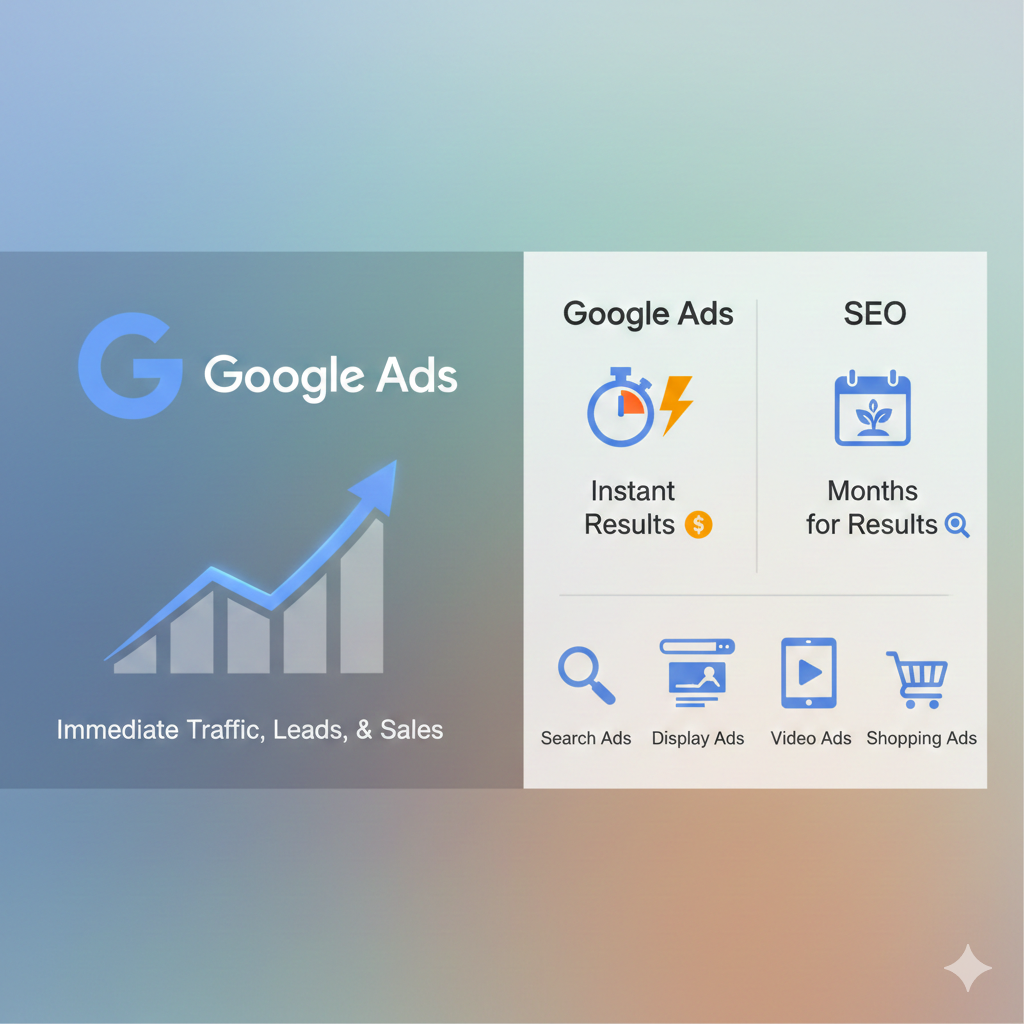
In today’s competitive online market, speed is everything. If you want instant traffic, leads, and sales, Google Ads is one of the fastest and most effective ways to achieve it. Unlike SEO, which takes months to build results, Google Ads allows your business to appear at the top of search results immediately.
This guide will show you how Google Ads works, the benefits it offers, and actionable strategies to boost your sales quickly. By the end, you’ll understand why Google Ads is an essential part of any modern marketing strategy and how it complements SEO.
What is Google Ads?
Google Ads is a pay-per-click (PPC) advertising platform where businesses bid on keywords to display ads in search results or across websites. You only pay when someone clicks your ad, making it a cost-effective way to reach your target audience.
Types of Google Ads
- Search Ads: Appear at the top of Google search results for targeted keywords.
- Display Ads: Visual banners shown on websites in Google’s network.
- Video Ads: Ads displayed on YouTube before or during videos.
- Shopping Ads: Product-focused ads for e-commerce businesses.
Each ad type serves a unique purpose, whether it’s building brand awareness, driving traffic, or increasing sales.
Benefits of Google Ads
Immediate Visibility and Traffic
Unlike SEO, which can take months to rank, Google Ads puts your website at the top of search results instantly. This immediate visibility is critical for promotions, product launches, or time-sensitive campaigns.
Highly Targeted Campaigns
Google Ads allows businesses to target ads by:
- Keywords and search intent
- Location and language
- Device type (mobile, desktop, tablet)
- Audience demographics and interests
This precision ensures your ads reach users most likely to convert.
Budget Control and Flexibility
You set your budget and bids, giving complete control over ad spend. Whether you want a small daily budget or a large campaign, Google Ads scales to your business needs.
Google Ads vs Organic SEO
| Feature | Google Ads | SEO |
|---|---|---|
| Time to Results | Immediate | Months |
| Cost | Pay-per-click | Content and optimization costs |
| Targeting | Highly specific | Broad, intent-based |
| ROI Tracking | Easy to measure | Requires analytics setup |
| Longevity | Ends with budget | Long-term, sustainable traffic |
Google Ads and SEO are complementary: Ads deliver instant traffic while SEO builds long-term credibility and organic rankings.
How to Set Up a Google Ads Campaign
Keyword Research and Targeting
Identify the keywords your audience searches for using tools like Google Keyword Planner, SEMrush, or Ahrefs. Focus on high-intent keywords that are likely to lead to conversions.
Writing Effective Ads
- Create clear, concise headlines
- Highlight benefits and calls to action
- Use ad extensions (sitelinks, callouts) to boost CTR
Setting a Budget and Bid Strategy
- Start small to test performance
- Use automated bidding strategies for conversions
- Adjust budgets based on ROI data
Tips for Boosting Sales
Conversion Tracking
Track key actions like purchases, form submissions, and sign-ups using Google Tag Manager and Google Analytics.
A/B Testing Ads
Test multiple ad copies, headlines, and landing pages to see which performs best.
Retargeting Campaigns
Re-engage users who visited your site but didn’t convert using display or remarketing ads.
Common Mistakes to Avoid
- Overspending on Ads: Start with a test budget and scale gradually.
- Ignoring Mobile Optimization: Most traffic comes from mobile devices.
- Poor Targeting: Avoid broad targeting that wastes ad spend.
Case Studies
Example 1: E-commerce Store
An online store selling fitness equipment increased sales by 60% in one month using Google Ads retargeting campaigns.
Example 2: Local Service Business
A plumbing company generated 50+ leads in two weeks by targeting location-specific keywords on Google Search Ads.
Lesson: Proper targeting, ad copy, and tracking are key to rapid results.
FAQs
Within hours to days, depending on targeting and budget.
Yes, for immediate traffic, sales, and brand visibility.
No. Ads provide instant results, but SEO builds long-term organic traffic.
Start small, test, and scale based on ROI.
Search and shopping ads often drive the highest conversion rates.
Absolutely. Even a small daily budget can generate leads if campaigns are well-targeted.
Conclusion
Google Ads is a powerful tool for fast, measurable results. It allows businesses to generate traffic, leads, and sales immediately while complementing long-term SEO strategies. By using proper targeting, conversion tracking, and continuous optimization, any business—big or small—can boost sales quickly and efficiently.